Reservation Management
You can manage push messages registered as scheduled send or recurring send.
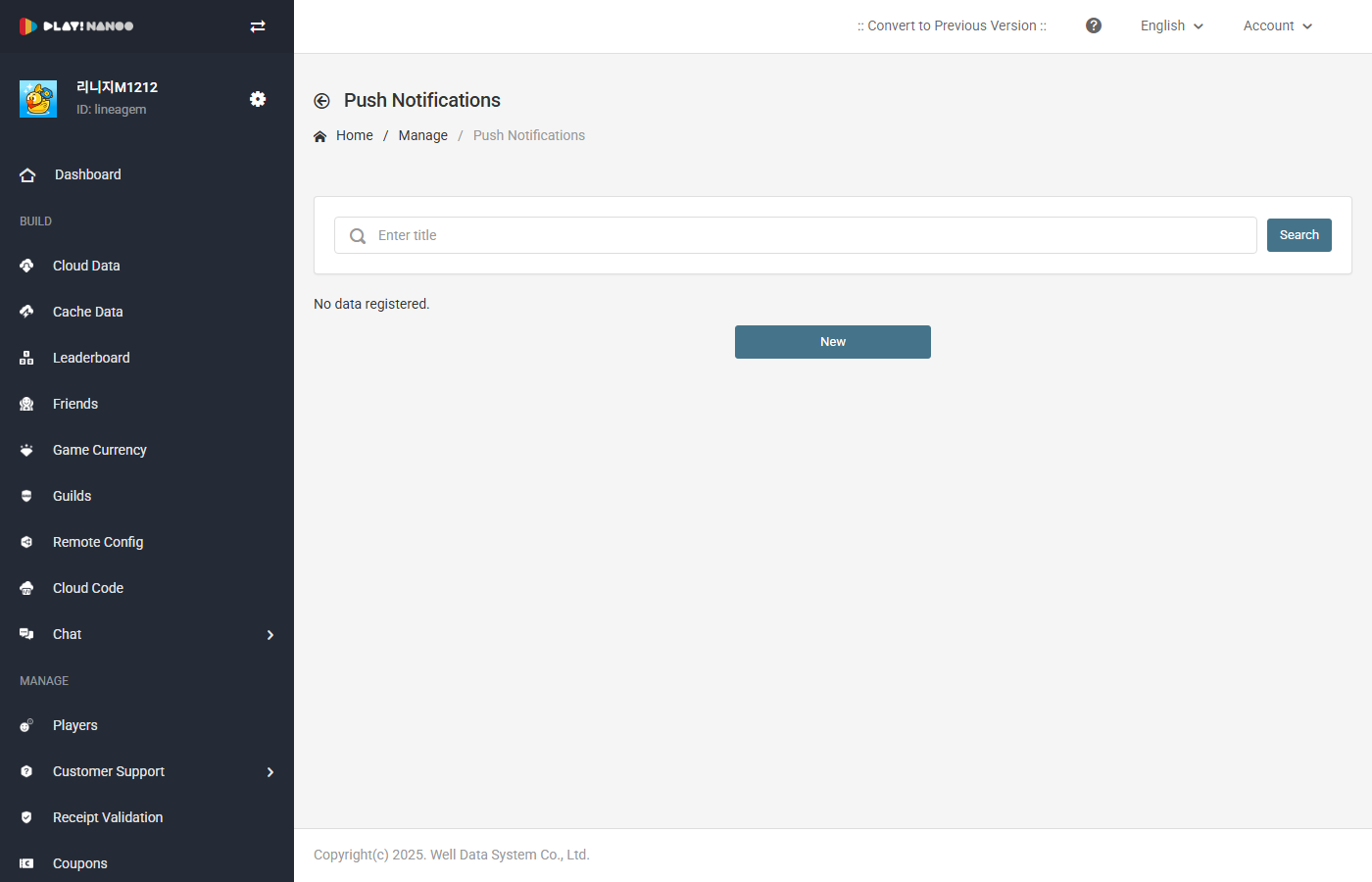
Reservation List
You can search by reservation code using the search area at the top.
The reservation list table consists of the following fields.
| Field | Description |
|---|---|
| Reservation Code | Displays the unique code of the reservation. Clicking it navigates to the edit screen. Provides clipboard copy functionality. |
| Platform | Displays the target platform for delivery. (Android, iOS) |
| Title | Displays the title of the scheduled push message. |
| Message | Displays the content of the scheduled push message. |
| Reservation Info | Displays the schedule information for scheduled send or recurring send. |
| Delivery Date | Displays the date the scheduled send will be or was executed. Timezone information is also shown. |
| Registration Date | Displays the date the reservation was registered. |
| Actions | Provides edit, copy, and delete functions. |
Edit Reservation
Clicking the reservation code or the edit button allows you to modify the reservation settings. On the edit screen, you can change the platform, send countries, excluded countries, scheduling settings, and message content.
When editing a reservation, the Send Immediately option cannot be selected. Only Scheduled Send or Recurring Send can be configured.
Copy Reservation
Click the copy button in the actions column to create a new reservation with the same settings copied from the selected reservation.
Delete Reservation
Clicking the delete button allows you to cancel and delete the reservation. Deleted reservations will no longer be sent.
Editing, copying, and deleting scheduled pushes requires write or administrator permissions.