Delivery History
A feature for checking the delivery status of sent mail. You can view the history of inbox items sent through scheduling settings and check detailed delivery information.
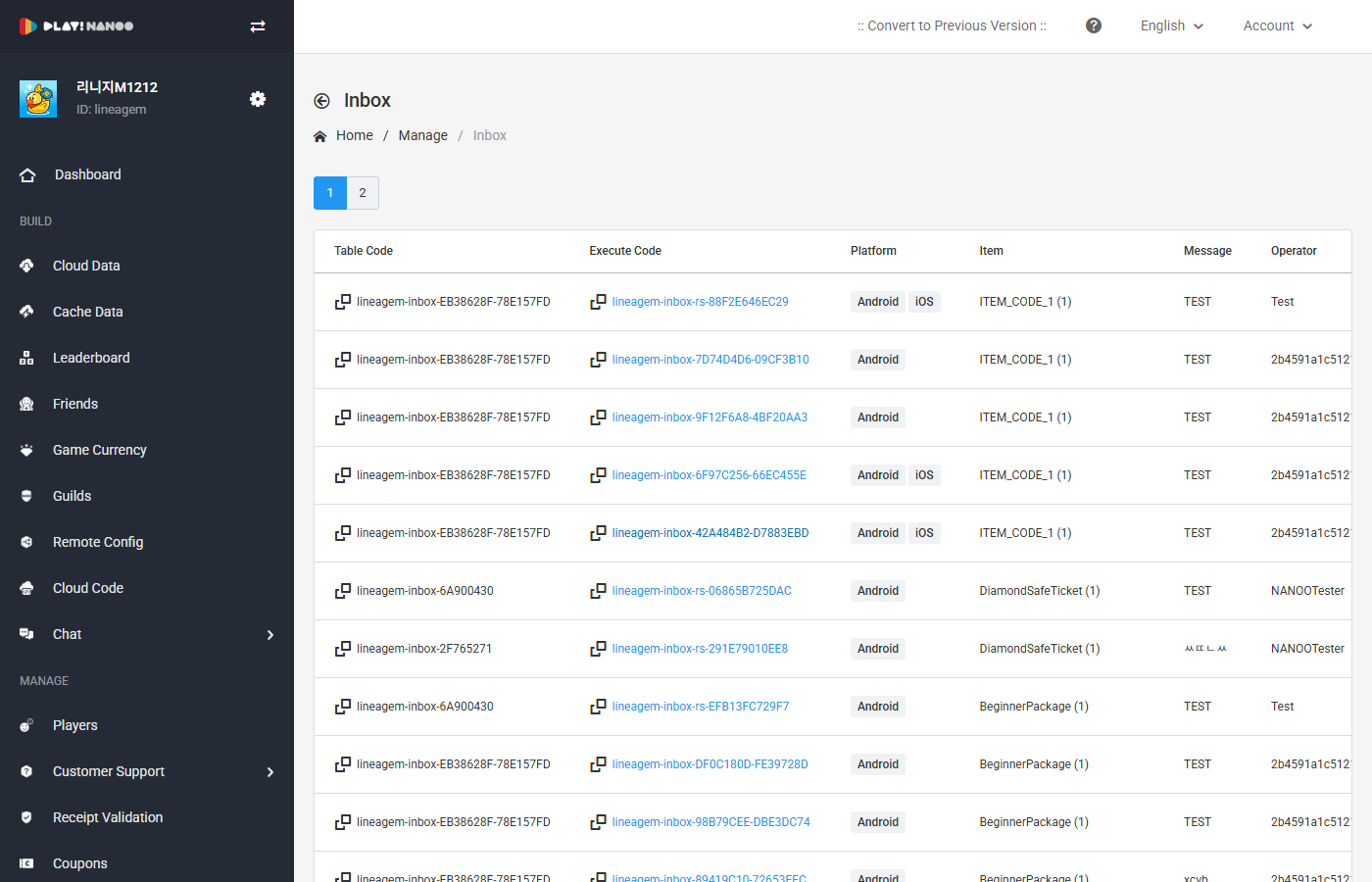
Delivery History
The delivery history table consists of the following fields.
| Field | Description |
|---|---|
| Table Code | Displays the table code used for delivery. |
| Execution Code | Displays the unique execution code of the delivery. Clicking it navigates to the detail screen. |
| Platform | Displays the target platform for delivery. (Android, iOS) |
| Item | Displays the delivered item code and quantity. |
| Message | Displays the delivered message content. |
| Operator | Displays the operator who executed the delivery. |
| Registration Date | Displays the date the delivery was registered. |
| Actions | Provides copy and delete functions. |
Delivery Detail
Clicking the execution code navigates to the delivery detail screen. In the delivery detail, you can view the configuration information, item information, and message information.
Configuration Information shows the table code, execution code, platform, and registration date.
Item Information shows the delivered item code and item quantity.
Message Information shows the language, title, and message content.
info
You can create a new delivery with the same settings using the Copy button.